All  (0)
No images generated yet.
Loading ...

Picture Editing

Edit your pictures easily like a pro!

Basic Edit

Image crop, rotation, light and color filters
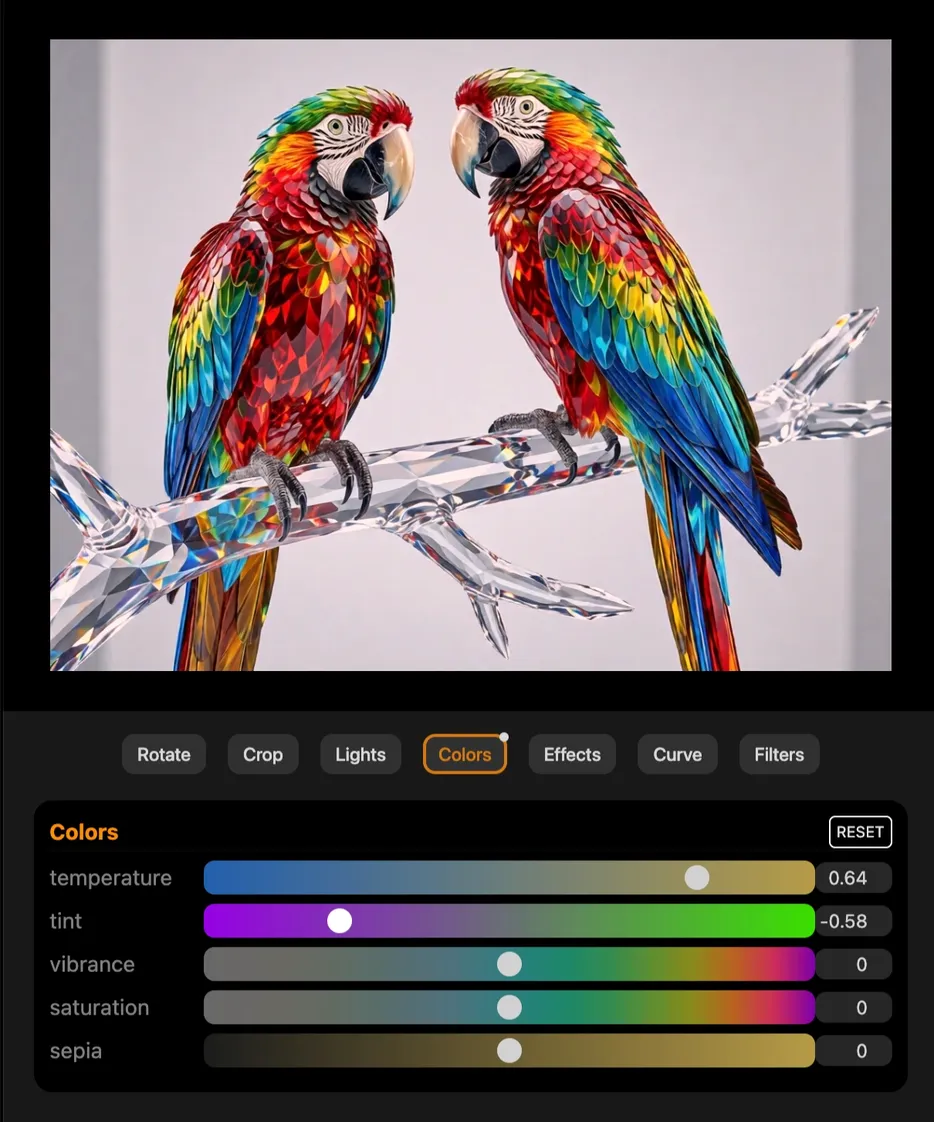
Screenshot of the image editor, showing a pair of crystal parrots.
Launch editor →

Remove Background

One click background removal. Get clean and tranparent foreground.
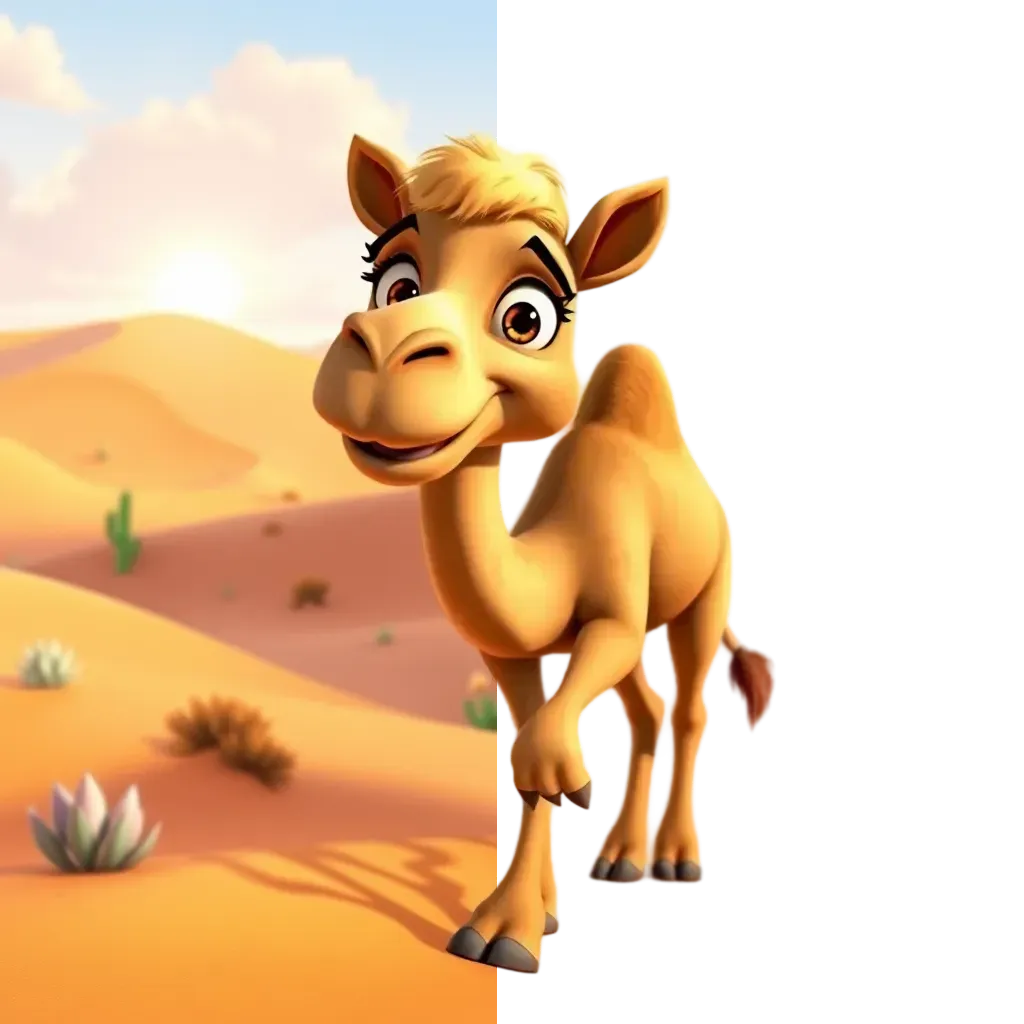
Comparison of an image before and after background removal
Remove background →

Change Background

Change the background to place your subject in the perfect setting naturally.
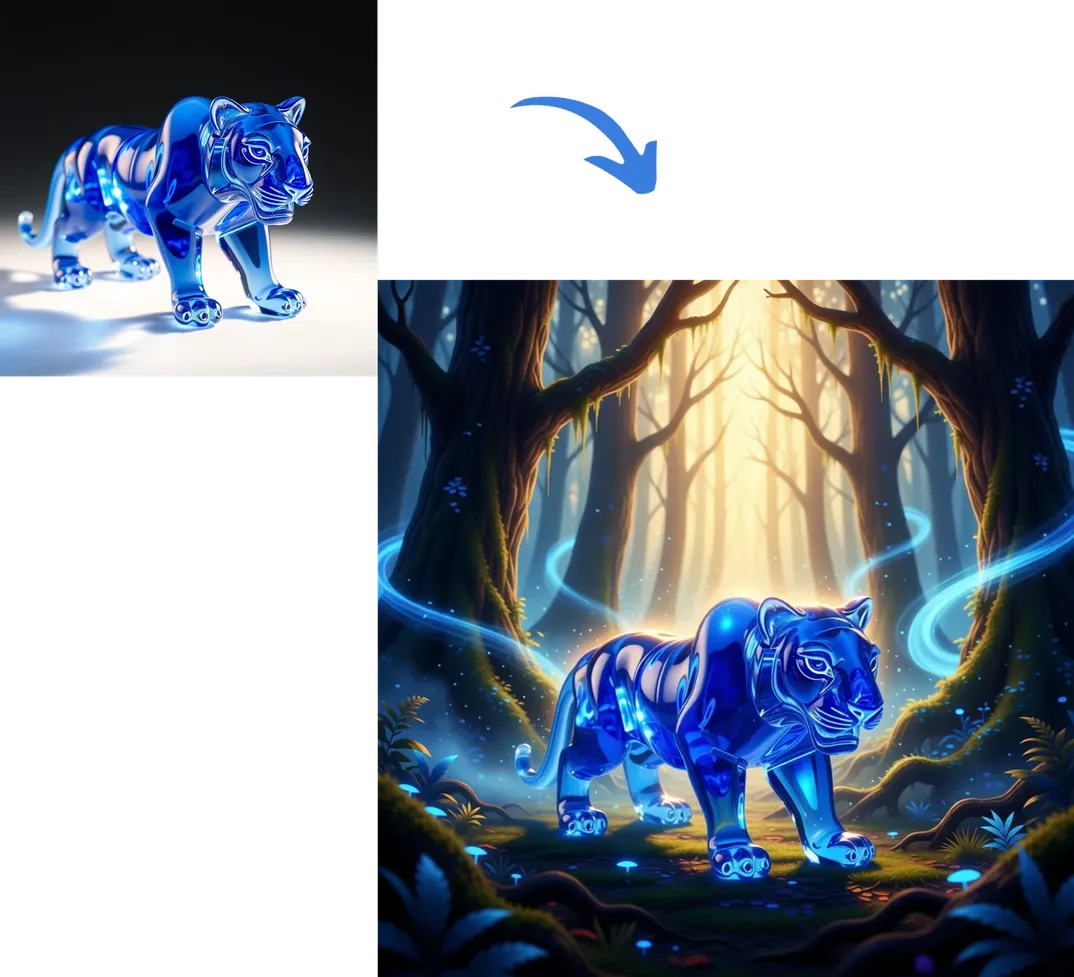
Before-and-after: a glass tiger figure gets a new AI-generated forest background with glowing light effects
Change background →

Magic Eraser

Remove unwanted people, objects, or distractions from your image easily.
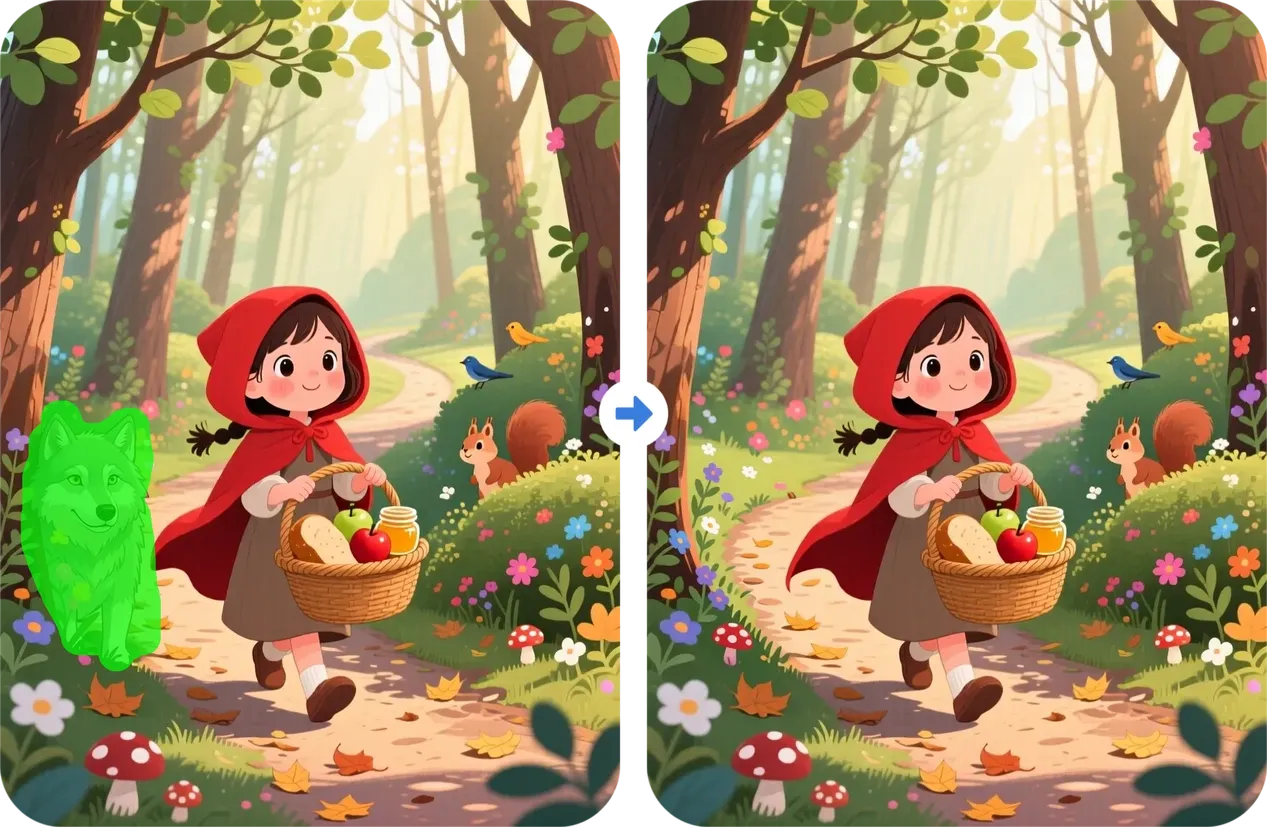
Before and after AI object removal — green-highlighted wolf removed from Little Red Riding Hood forest illustration
Magic erase →

Magic Fill / Insert

Seamlessly insert or replace objects in any selected area with perfect visual consistency.
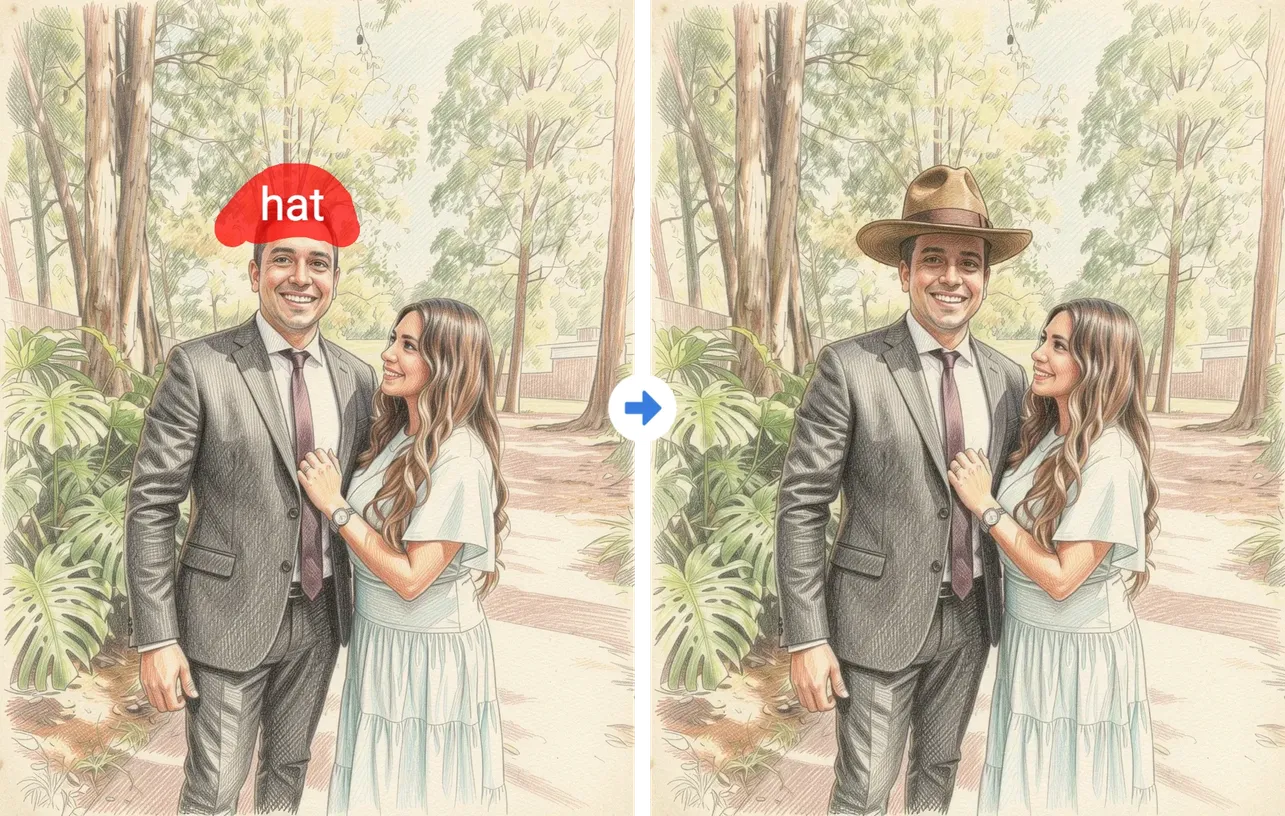
Before/after example of adding a hat to a hand-drawn couple portrait
Magic fill →

Magic Expand

Extend your image beyond its borders by seamlessly filling new space with realistic details and creative continuity.
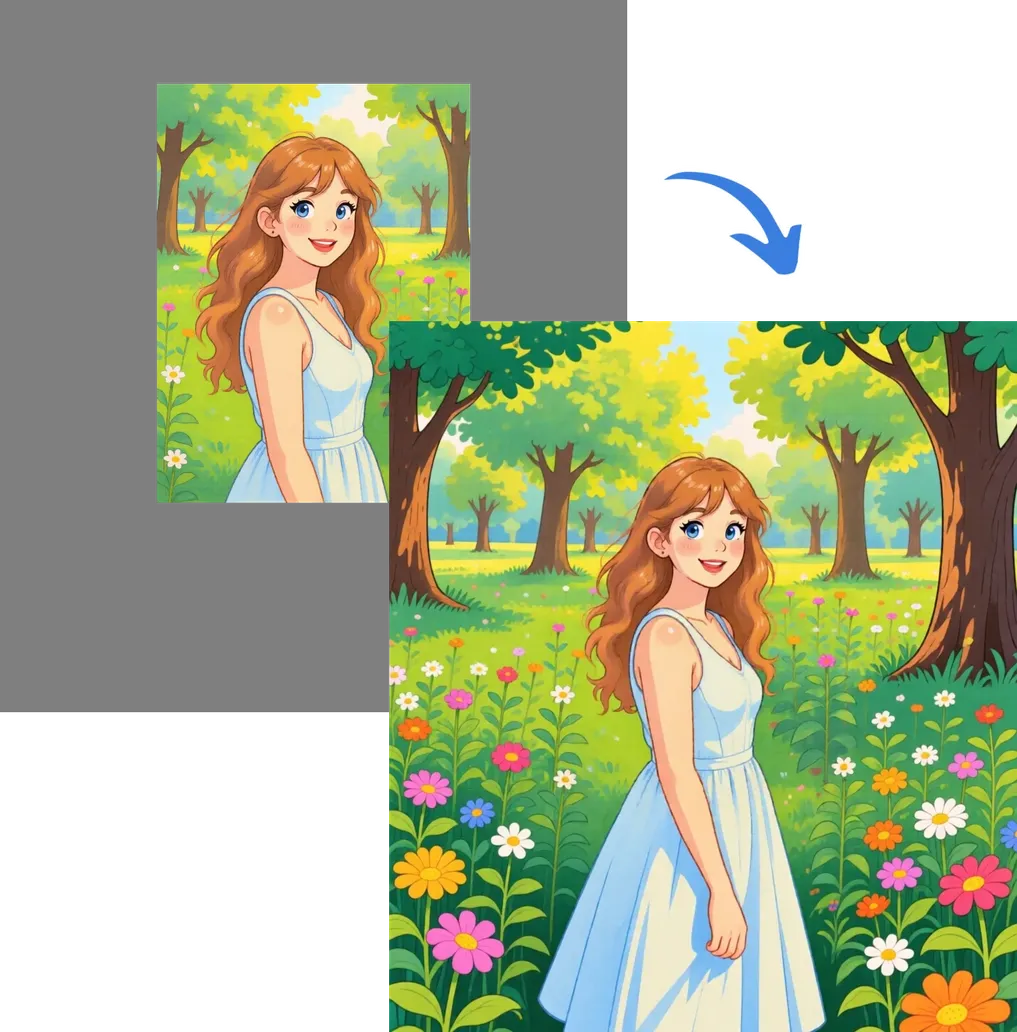
Before and after comparison showing a small illustrated portrait of a girl in a flower meadow expanded into a larger image with extended forest background and additional flowers, demonstrating an AI image extension or uncrop tool.
Magic expand →

Upscale to High Resolution

Enhance your image to higher resolution with exceptional detail and accuracy.
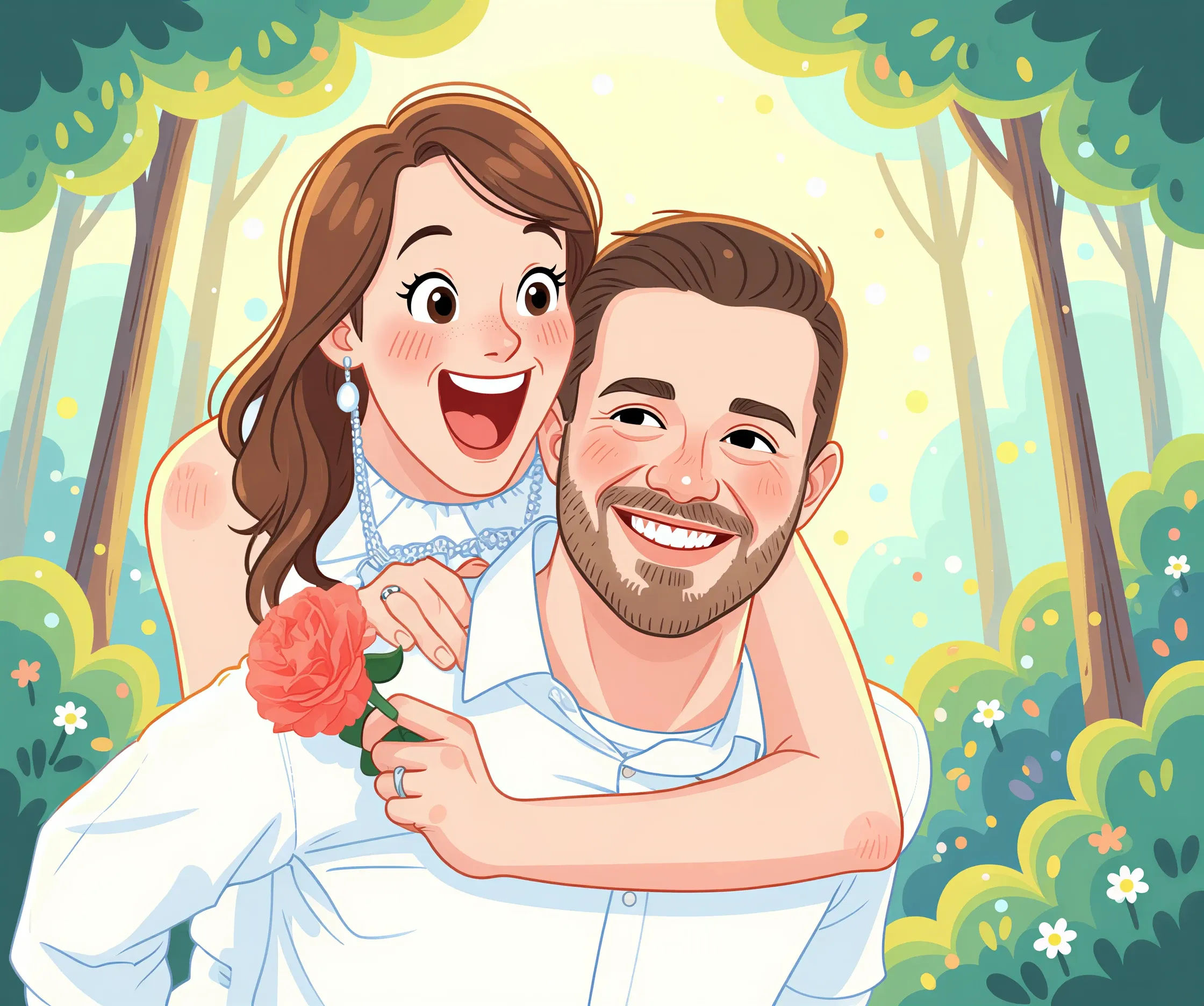
Before-and-after comparison of an AI cartoon couple portrait, showing the original image next to the HD upscaled version with a draggable slider divider, set against a forest background with trees and flowers.
Original HD Upscaled ✦
Upscale →

Change Art Style

Translate your image to a different art style. Choose from 80+ premium art styles.
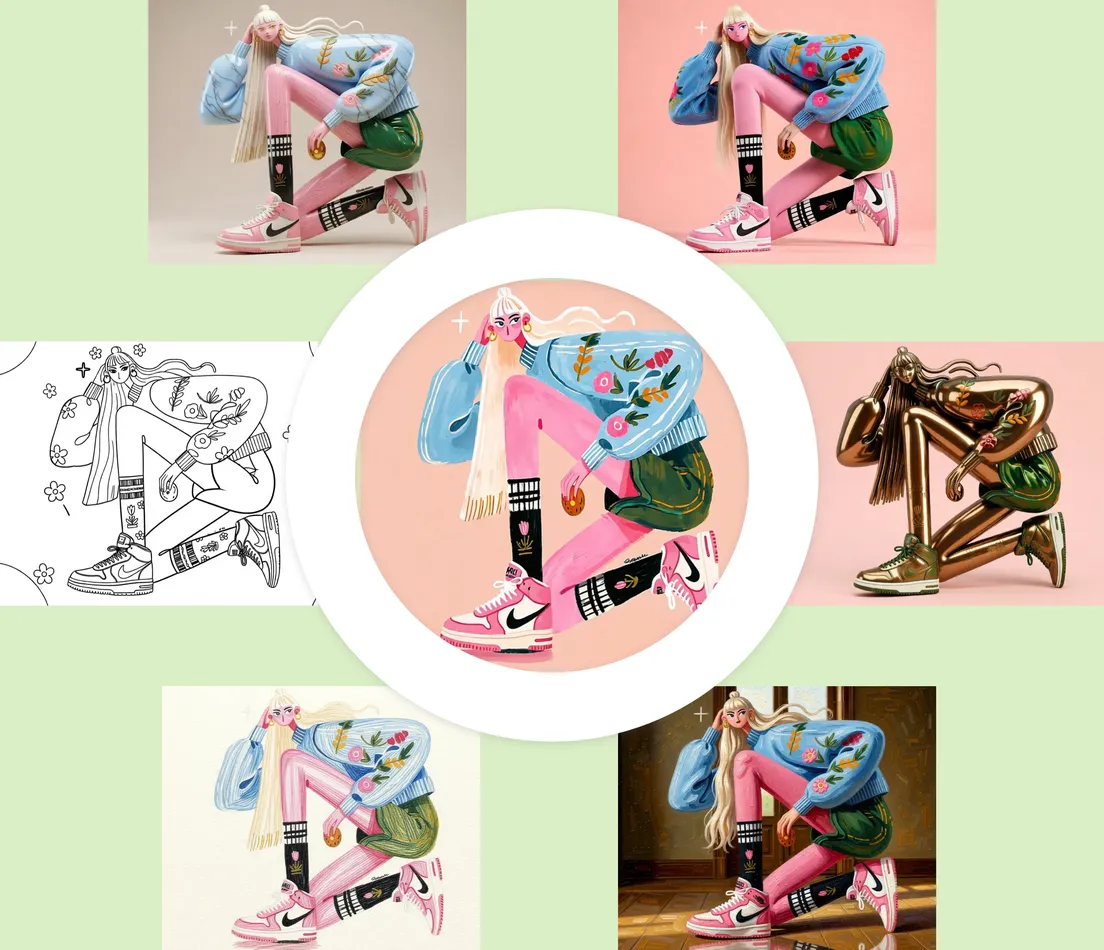
Same photo transformed into six art styles — coloring page line art, flat illustration, gouache painting, oil painting, and metallic sculpture render — arranged around a circular preview
Change art style →

Vectorize

Convert images to crisp, scalable SVG or PDF — perfect for printing, laser engraving, and design.
PNG · Raster
SVG · Vector
🔍
1.0×
Vectorize →

Edit by Asking

Editing pictures is as easy as describing what you want.
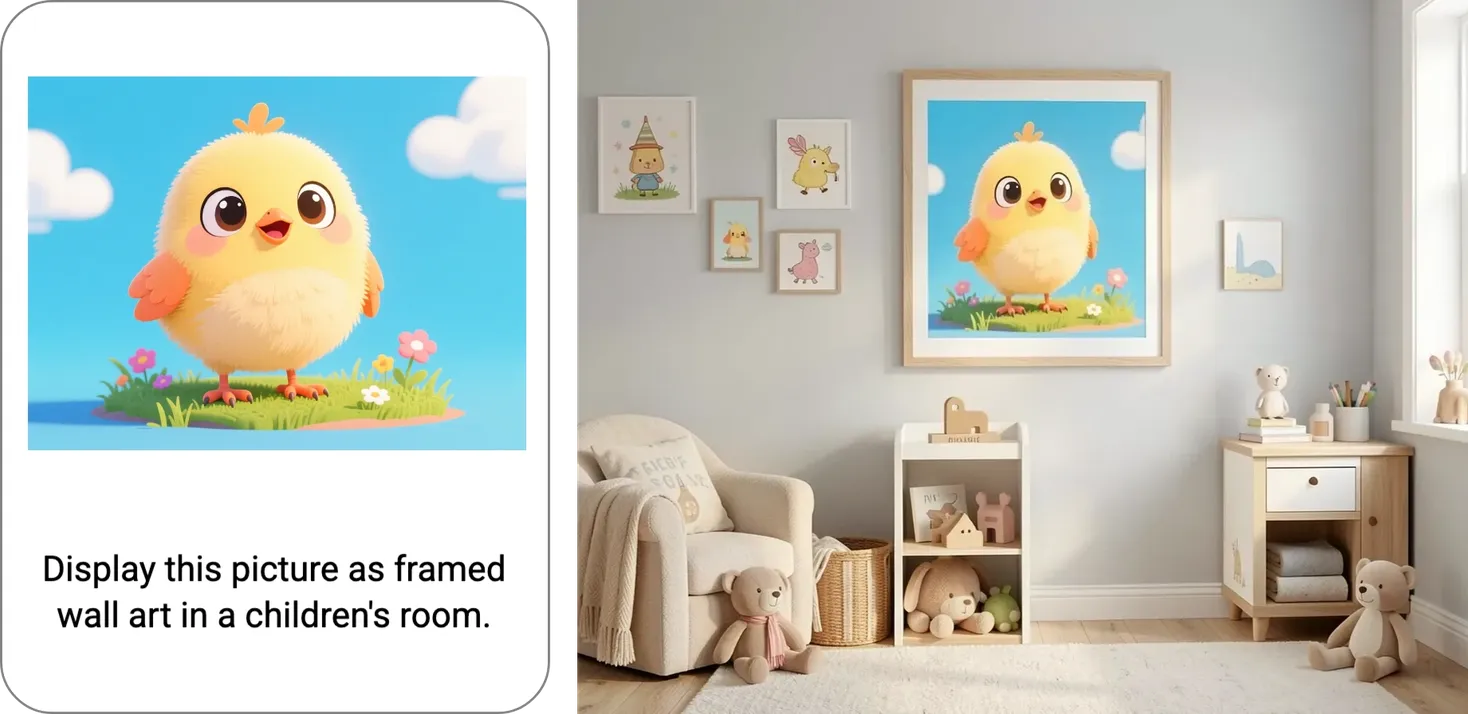
Split-screen demo: on the left, a cute cartoon chick illustration with the prompt 'Display this picture as framed wall art in a children's room'; on the right, that same chick artwork shown as a large framed print hanging above a cozy nursery nightstand and armchair, surrounded by smaller matching animal-themed prints.
Edit by asking →

Clean Up Scanned Image

Clean up scanned pages, straighten, and correct distortions for a crisp, professional result.
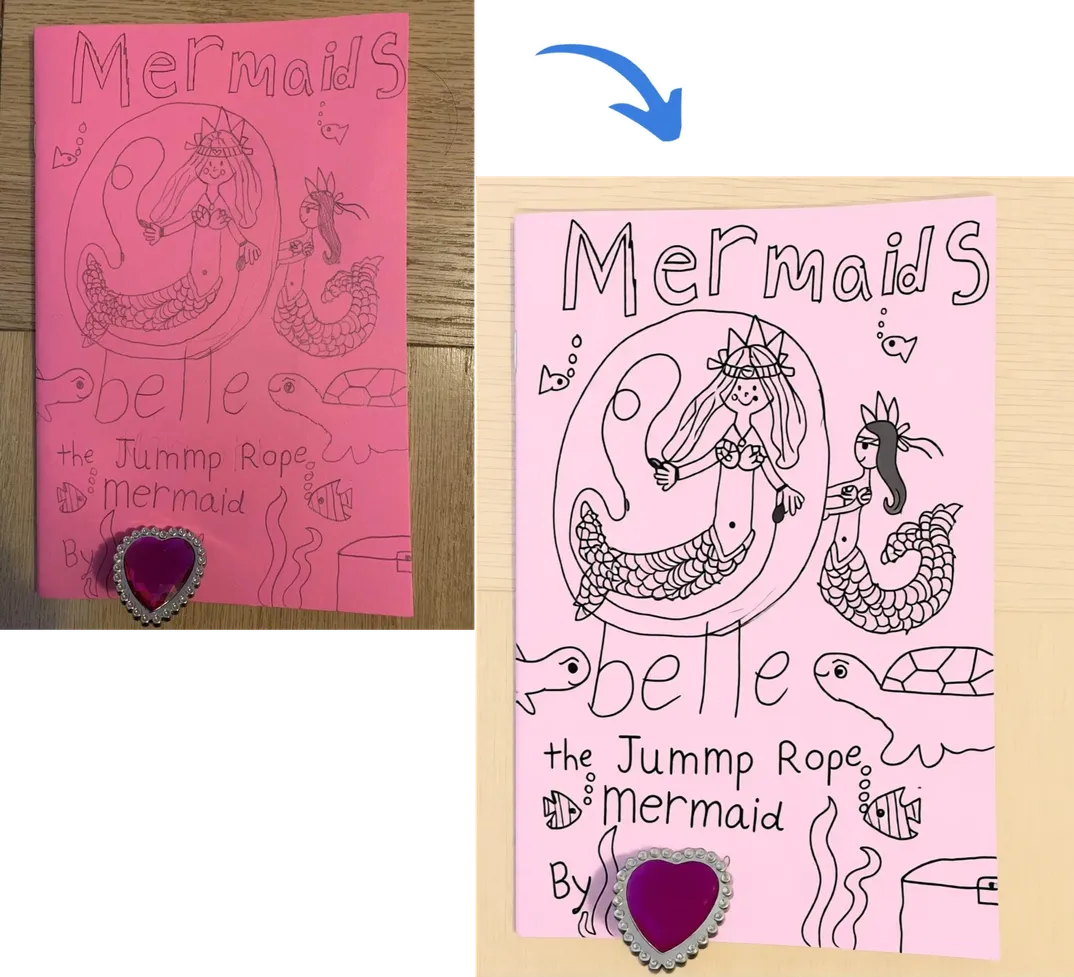
Example of automatic scan correction — a crooked, poorly lit photo of a coloring book cover straightened and enhanced into a clean, professional-quality image.
Clean up →

Clarity Restore

Enhance clarity, remove defects, and revive colors. Perfect for restoring blurry images and old photos.
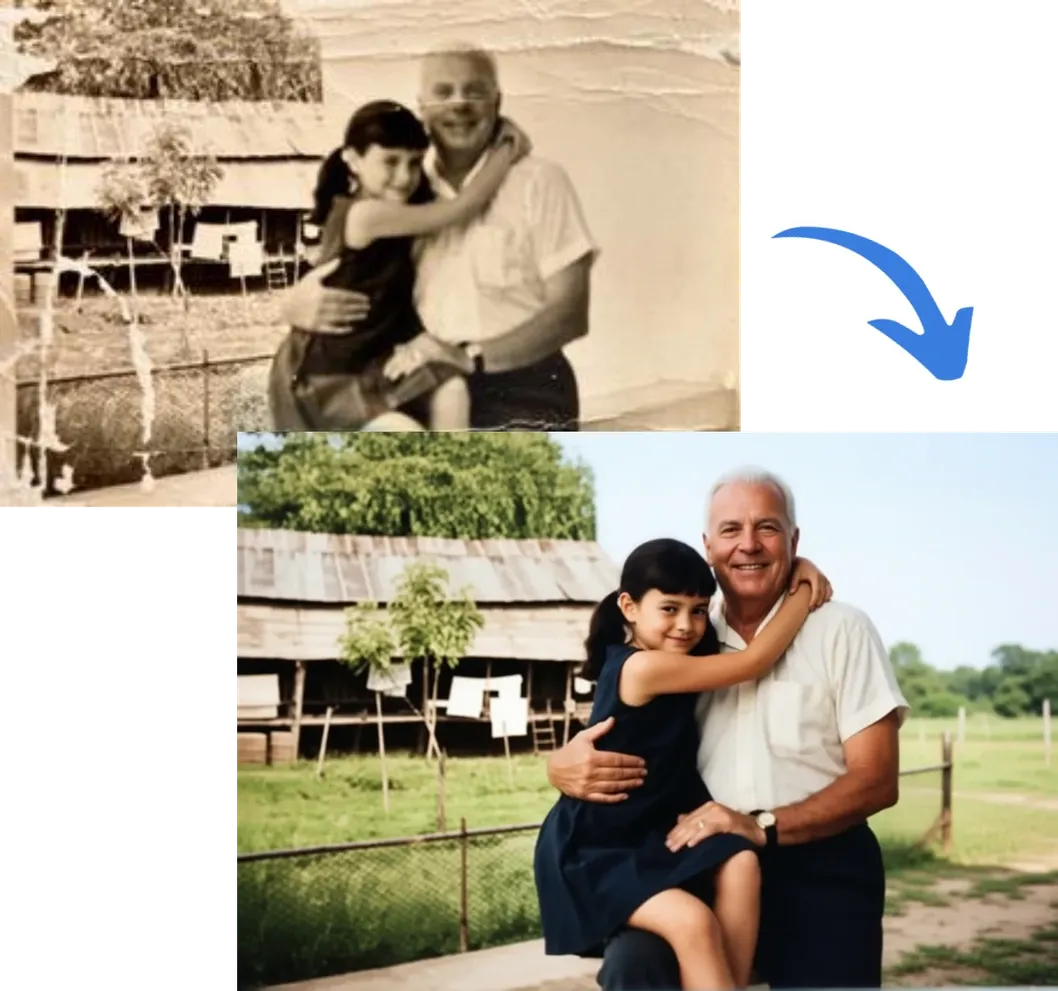
Before and after: faded sepia photo of a man and child restored to vivid color with enhanced clarity
Clarity restore →